Educational 3D design lab
Start with a shape.
Leave with a real file.
Browser CAD that teaches solid modelling to designers aged 13 to 17. It opens with shapes you can drag, adds millimetres when the work needs them, says plainly whether the result will print, and hands back a file the designer owns.
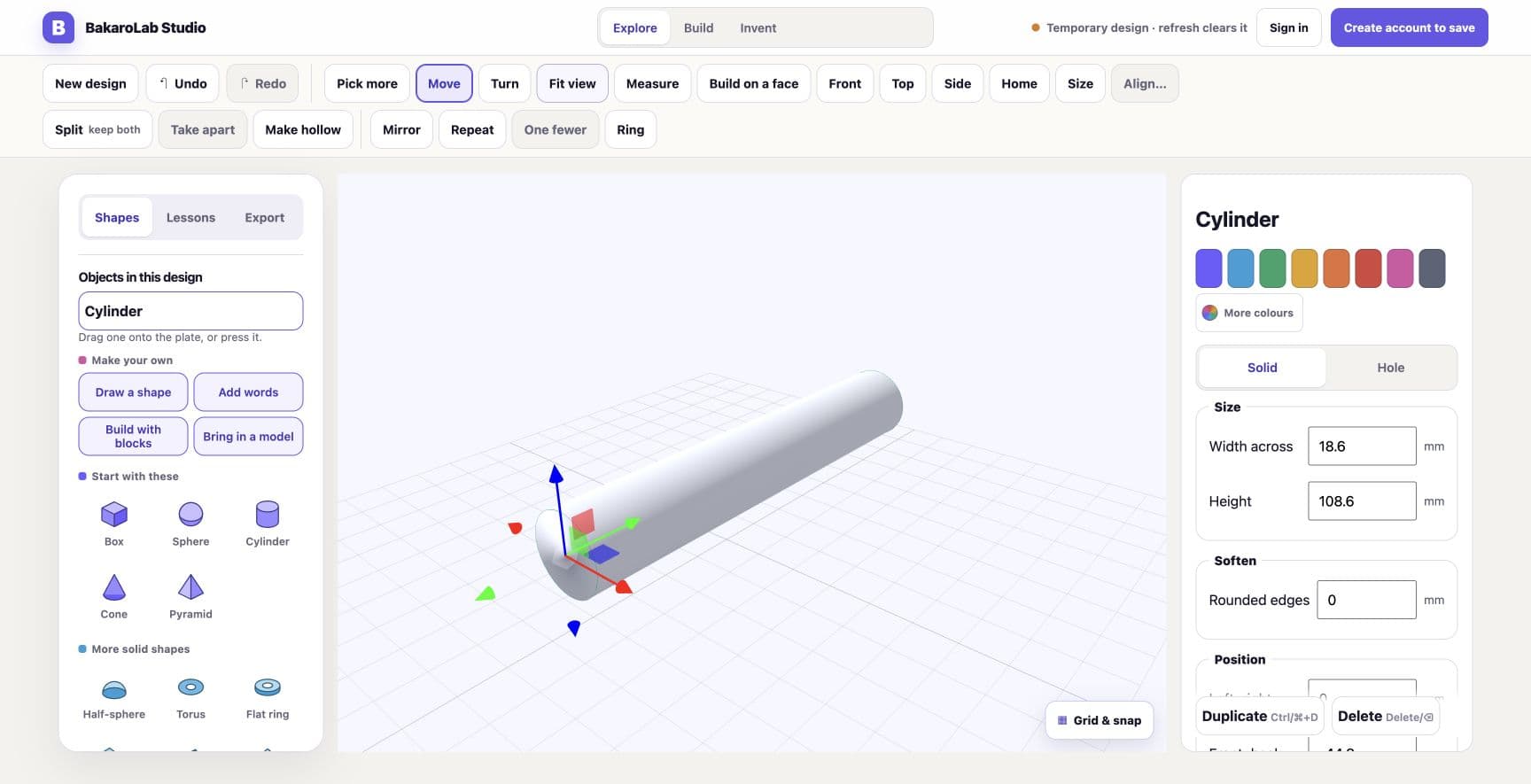
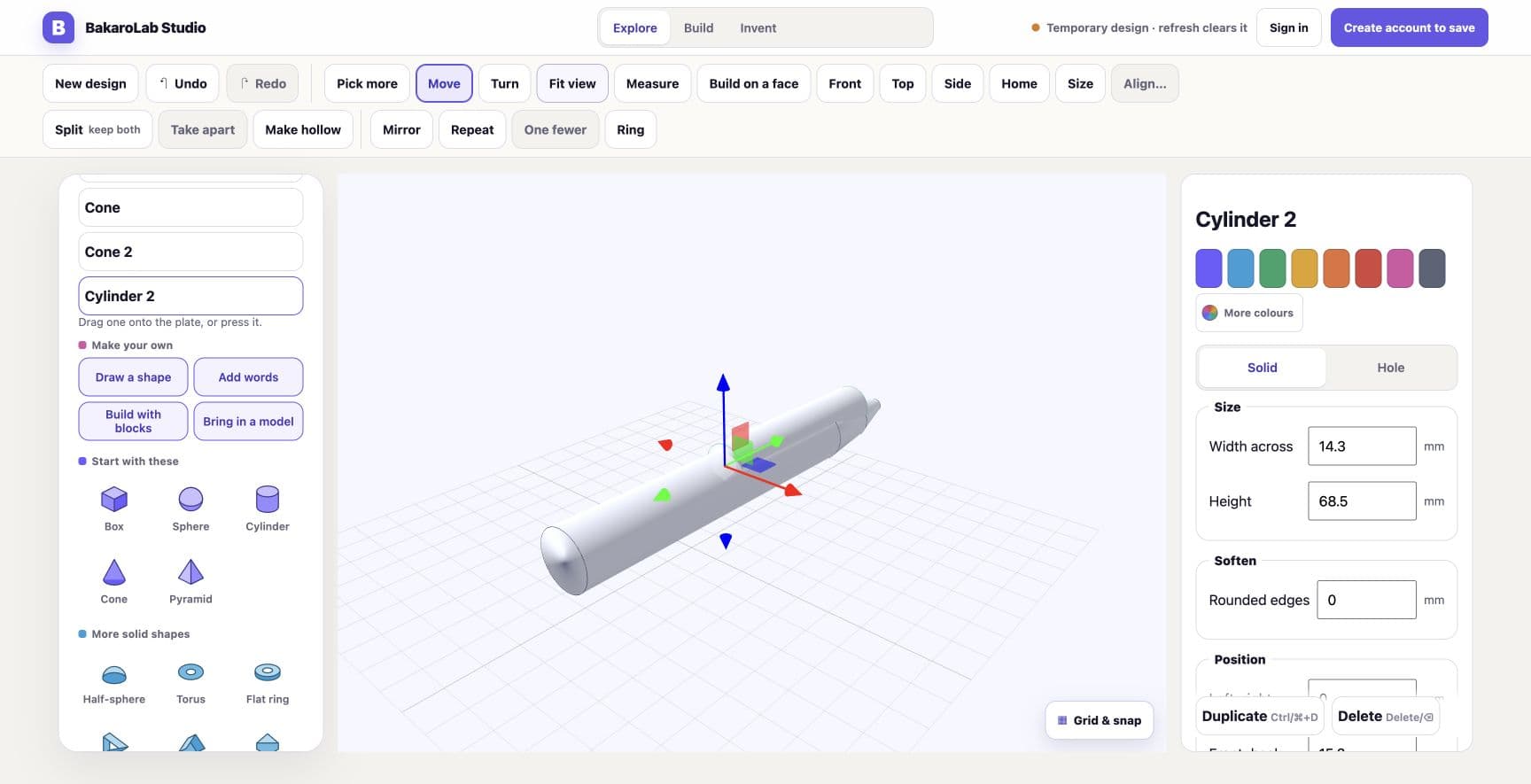
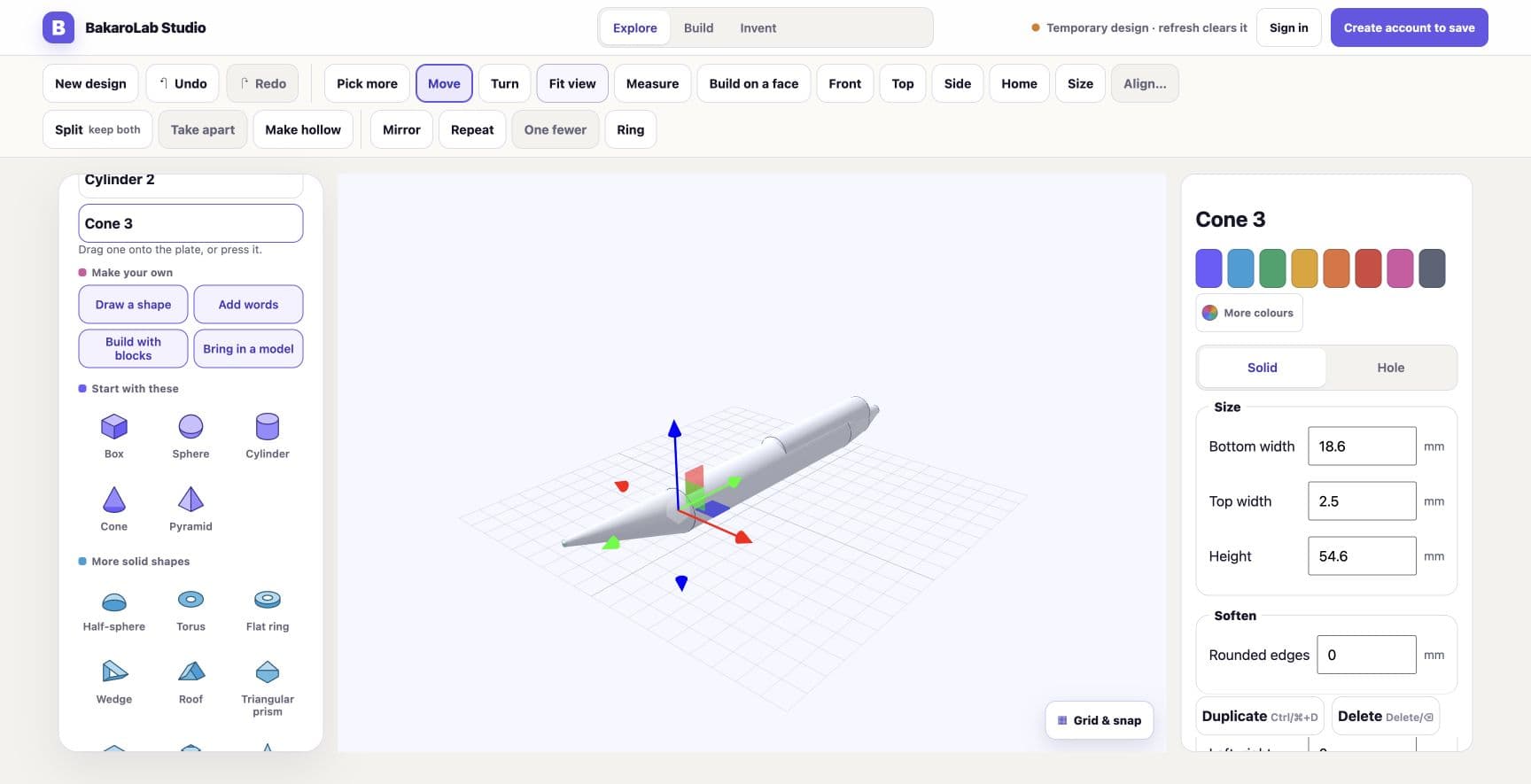
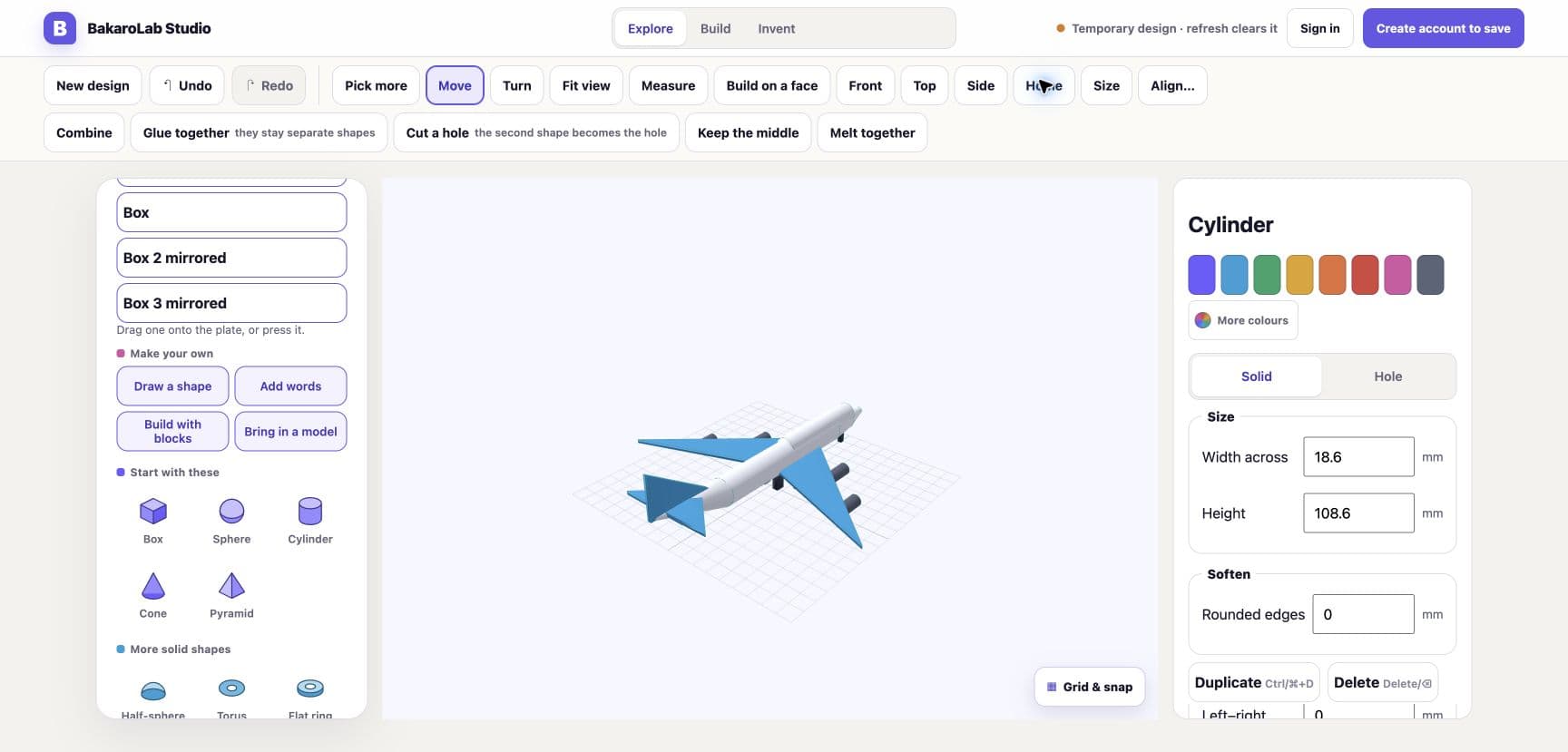
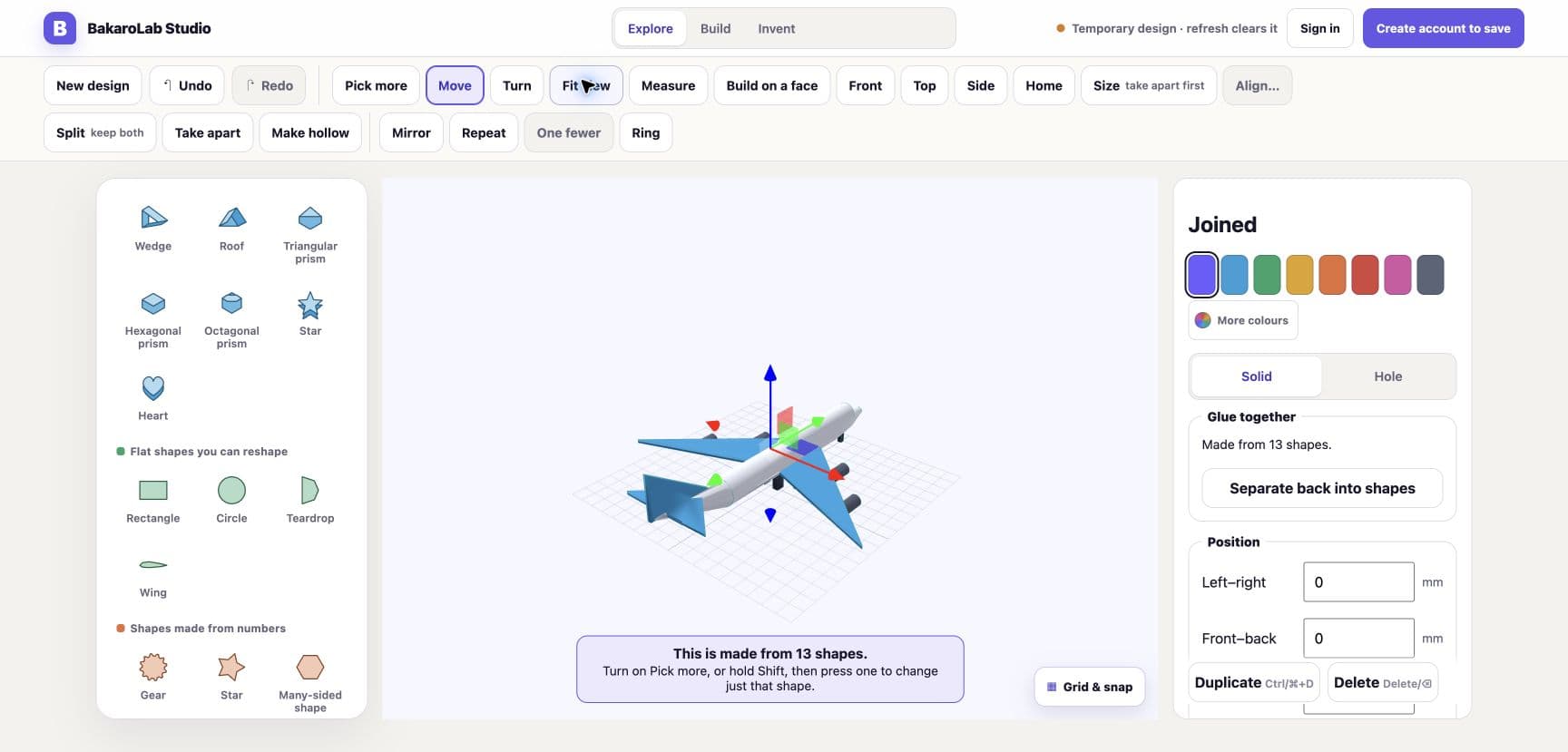
Thirteen shapes become an aeroplane.
One model assembled from primitives in the same studio a student opens on their first day, ending as a single joined solid that can still be taken back apart.
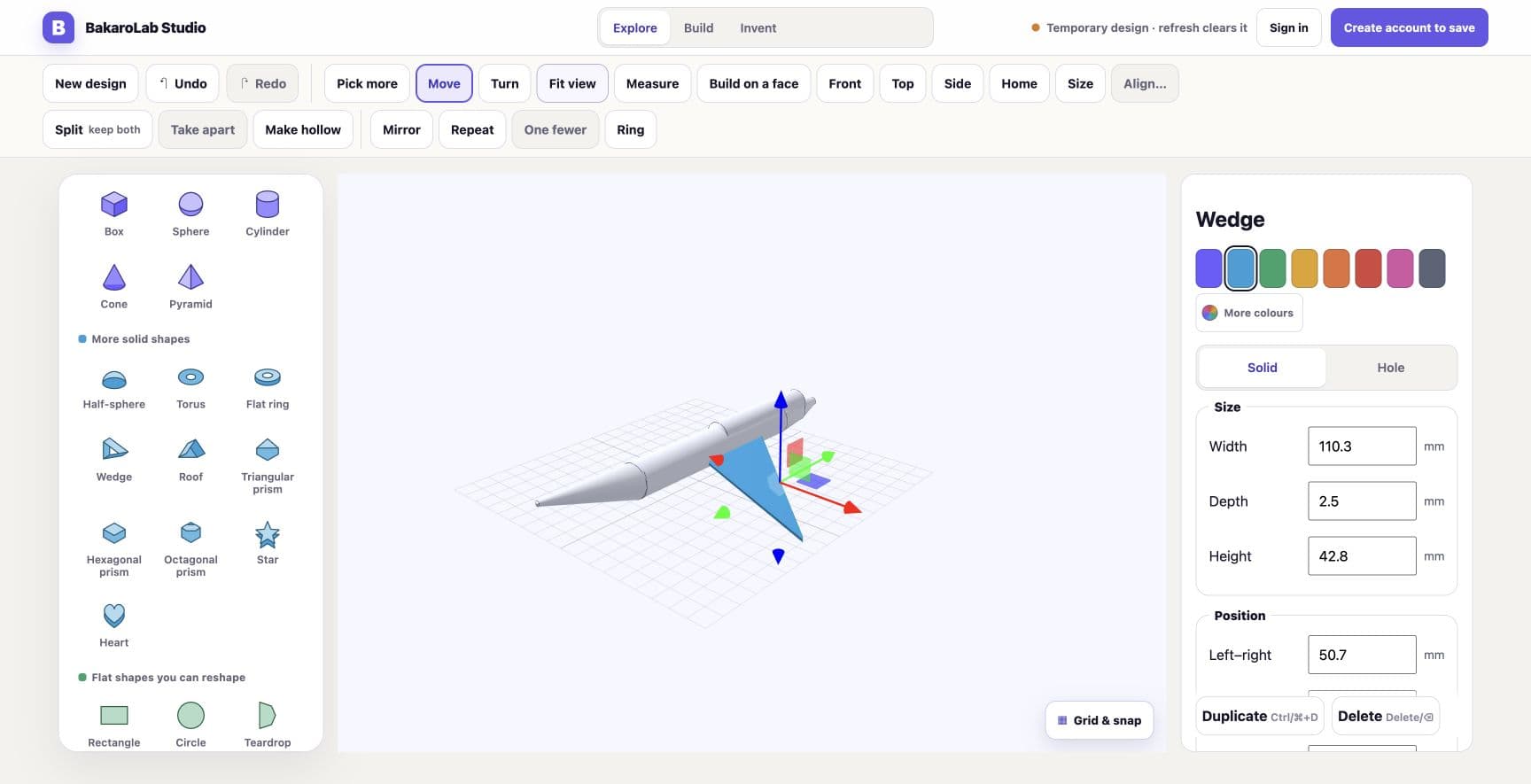
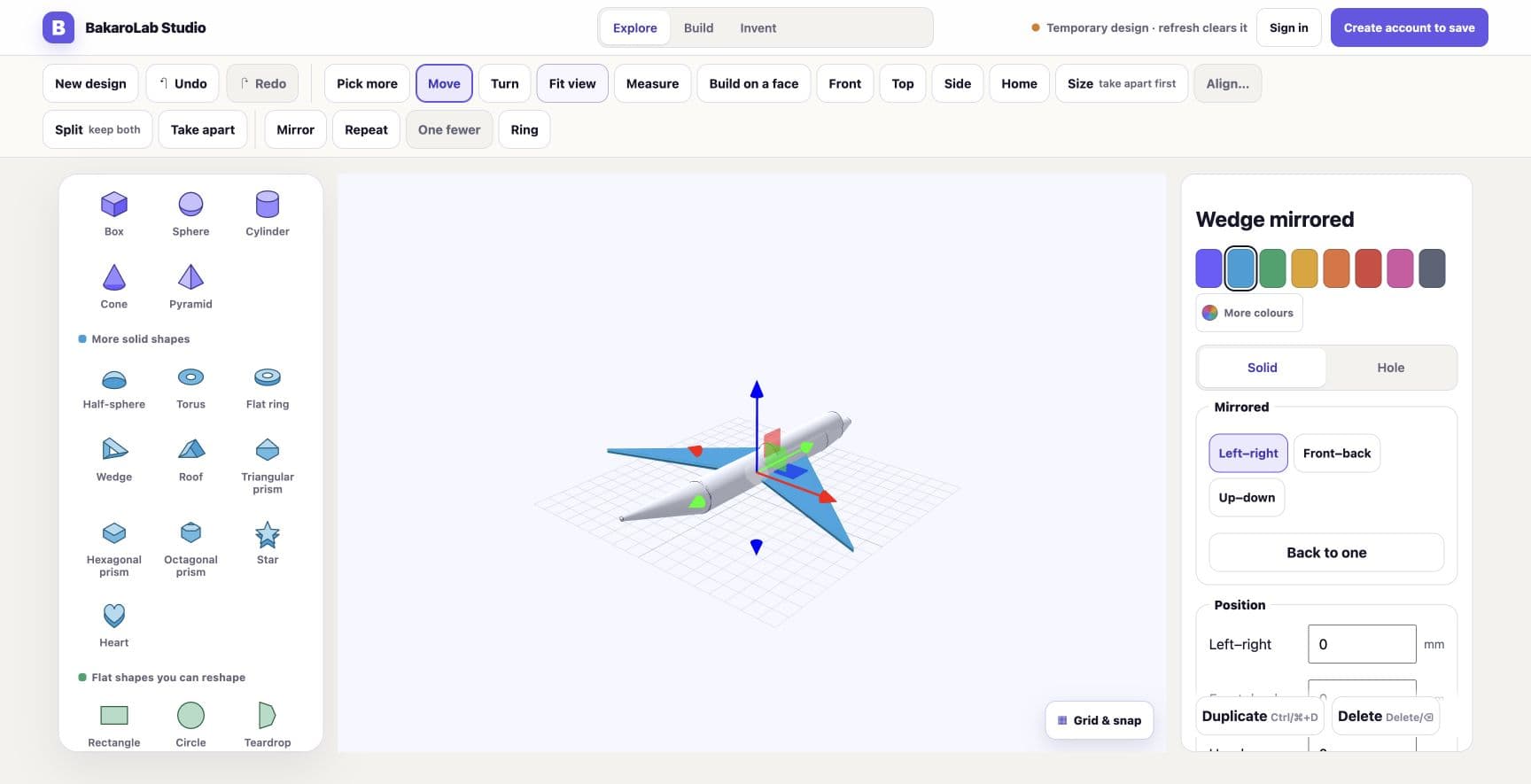
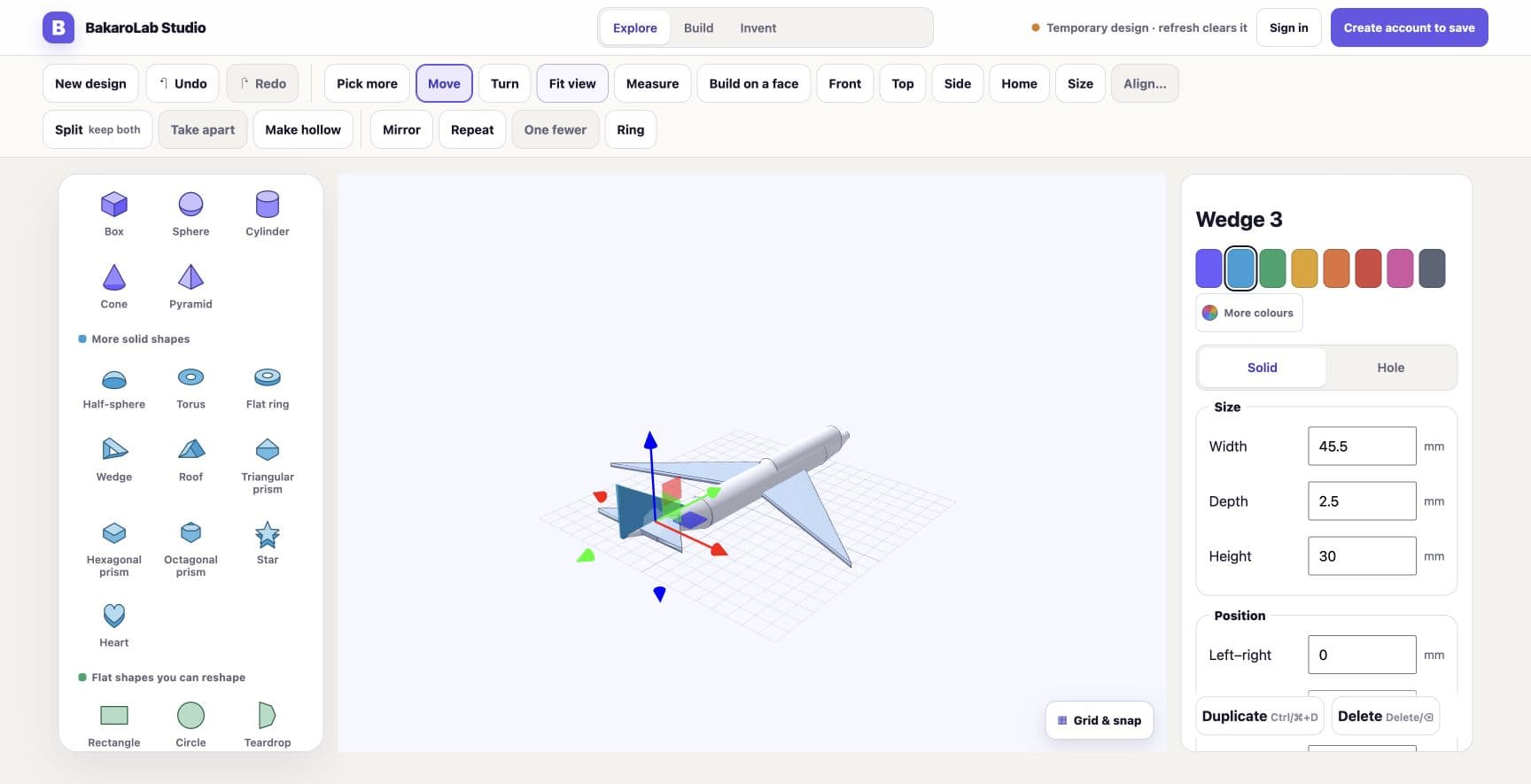
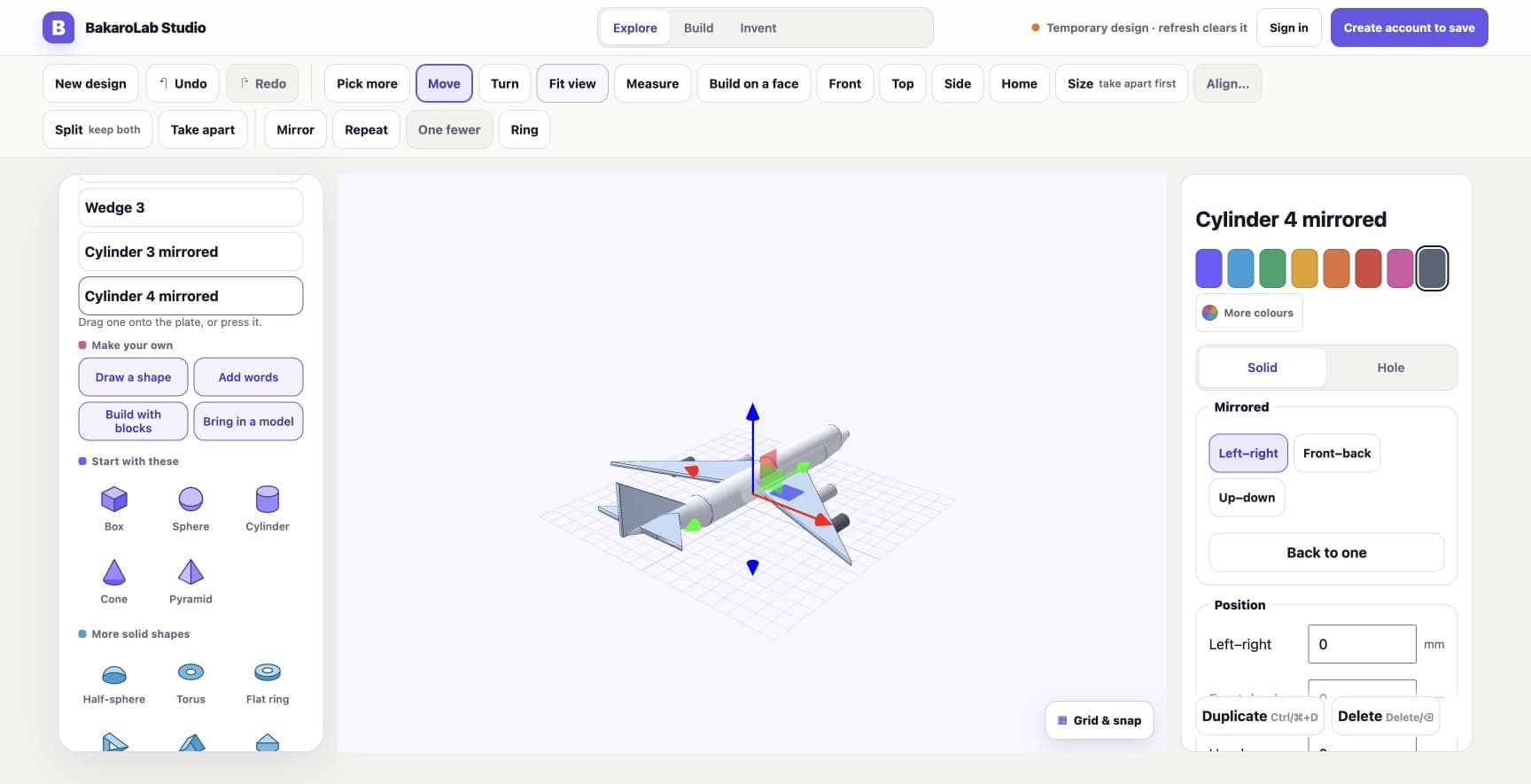
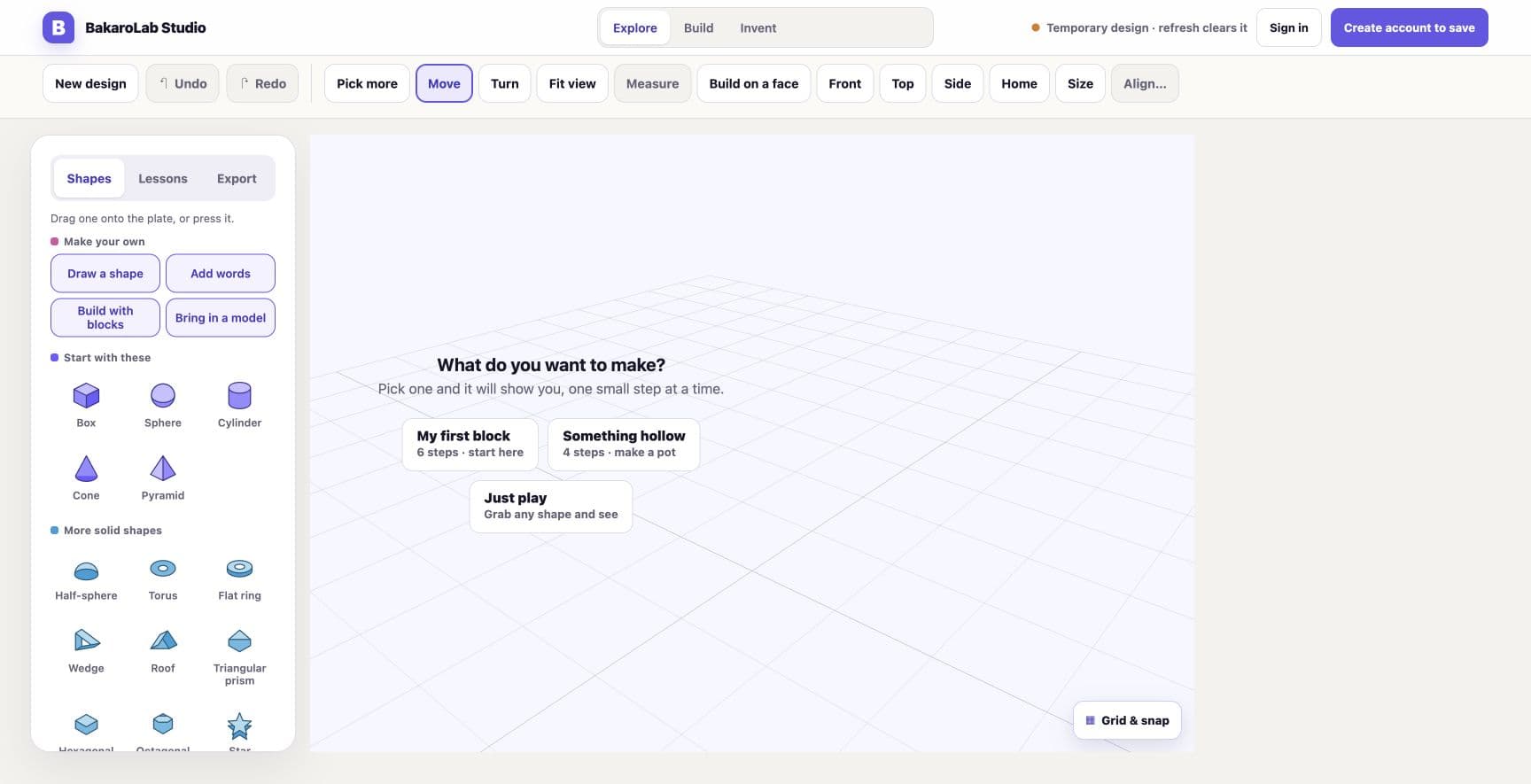
01 / 10An empty plate and one question: what do you want to make?
What makes it different
Shapes first, numbers second
A beginner starts by dragging a cylinder onto a plate. Millimetre fields are right there when the work starts to need them, so precision arrives as a tool rather than a toll gate.
Real geometry, not a lookalike
Solids are combined, subtracted and hollowed by a real CSG kernel compiled to WebAssembly. What the student sees is the object the file describes, which is what makes the skill transfer to professional CAD.
Print checks that tell the truth
The studio reports honestly whether a design will survive being printed, including when the answer is unwelcome. The disappointment is the lesson.
A file the designer owns
Work exports as 3MF or STL, formats any slicer or CAD package will open, so nothing a student makes is trapped inside our product.
How to get it
On your own
Individual subscription
Fourteen days free, then $8.99 a month or $79 a year. Every lesson, print check and export is included from the first day.
Start fourteen days freeThrough an institution
Classroom programmes
Schools, camps and museums arrange a programme with us and are invoiced as an institution. Students join with a code from their teacher: no email, no password, no card.
Talk about a programmeBuilt with
It has to run on whatever hardware a classroom already owns, without an install, an admin password or a graphics card. So the kernel is WebAssembly and the whole studio is a browser tab.
Open it and build something.
The studio runs without an account. A design you start straight away is temporary, which is the honest trade for asking nothing up front.
One of the products we designed, built and run ourselves. For businesses we do the same work on theirs: see the Revenue Leak Diagnostic →